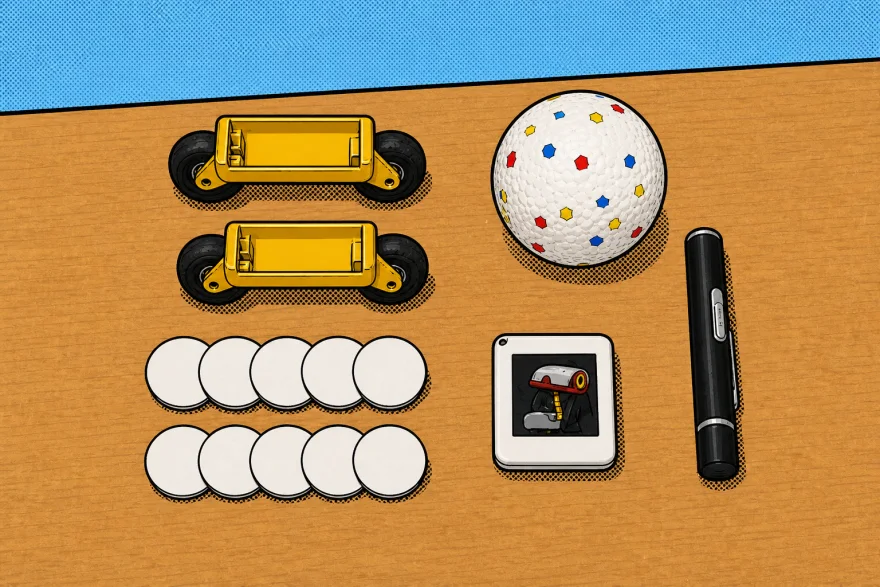
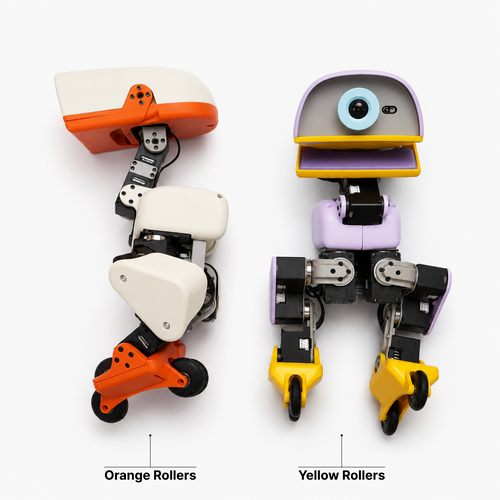
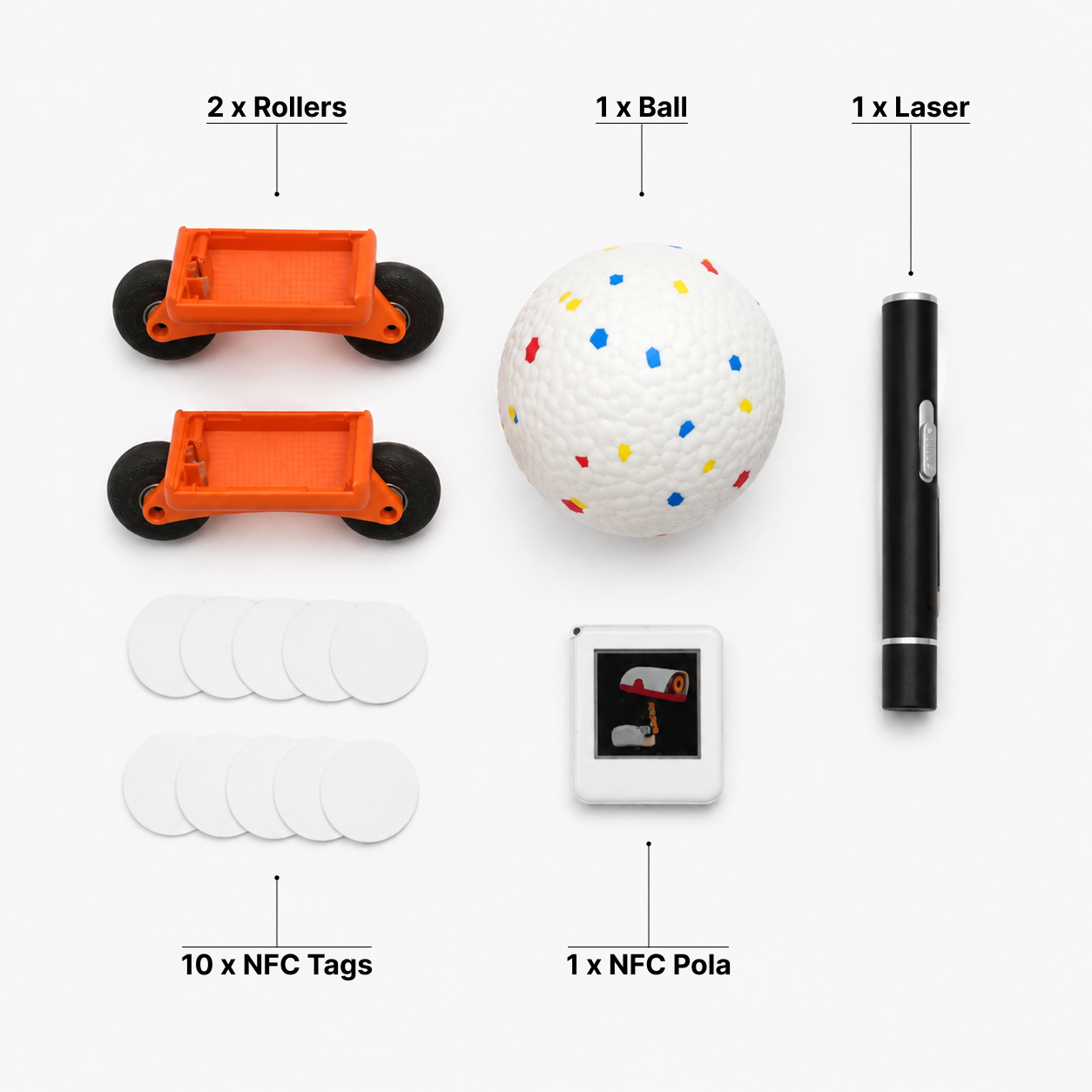
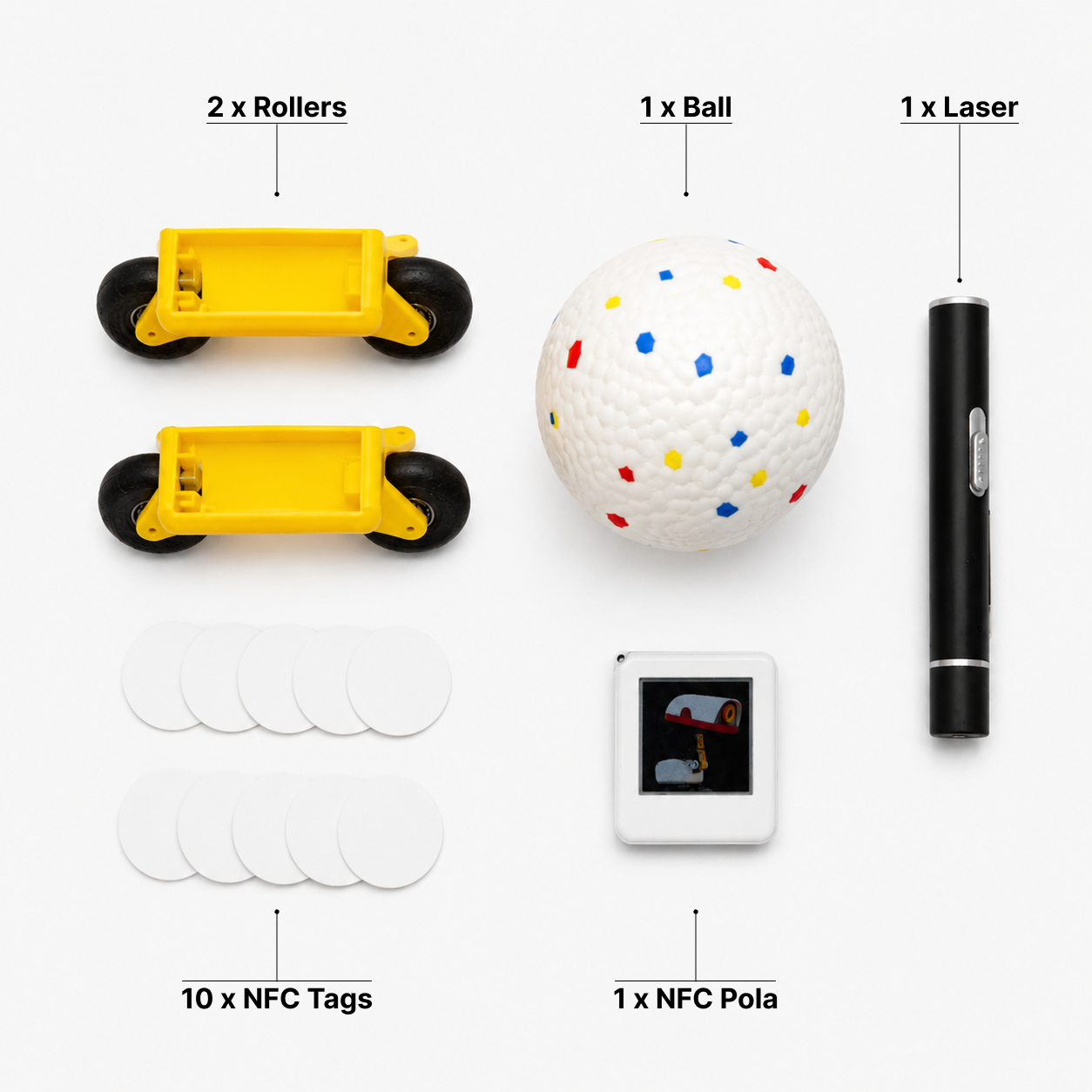
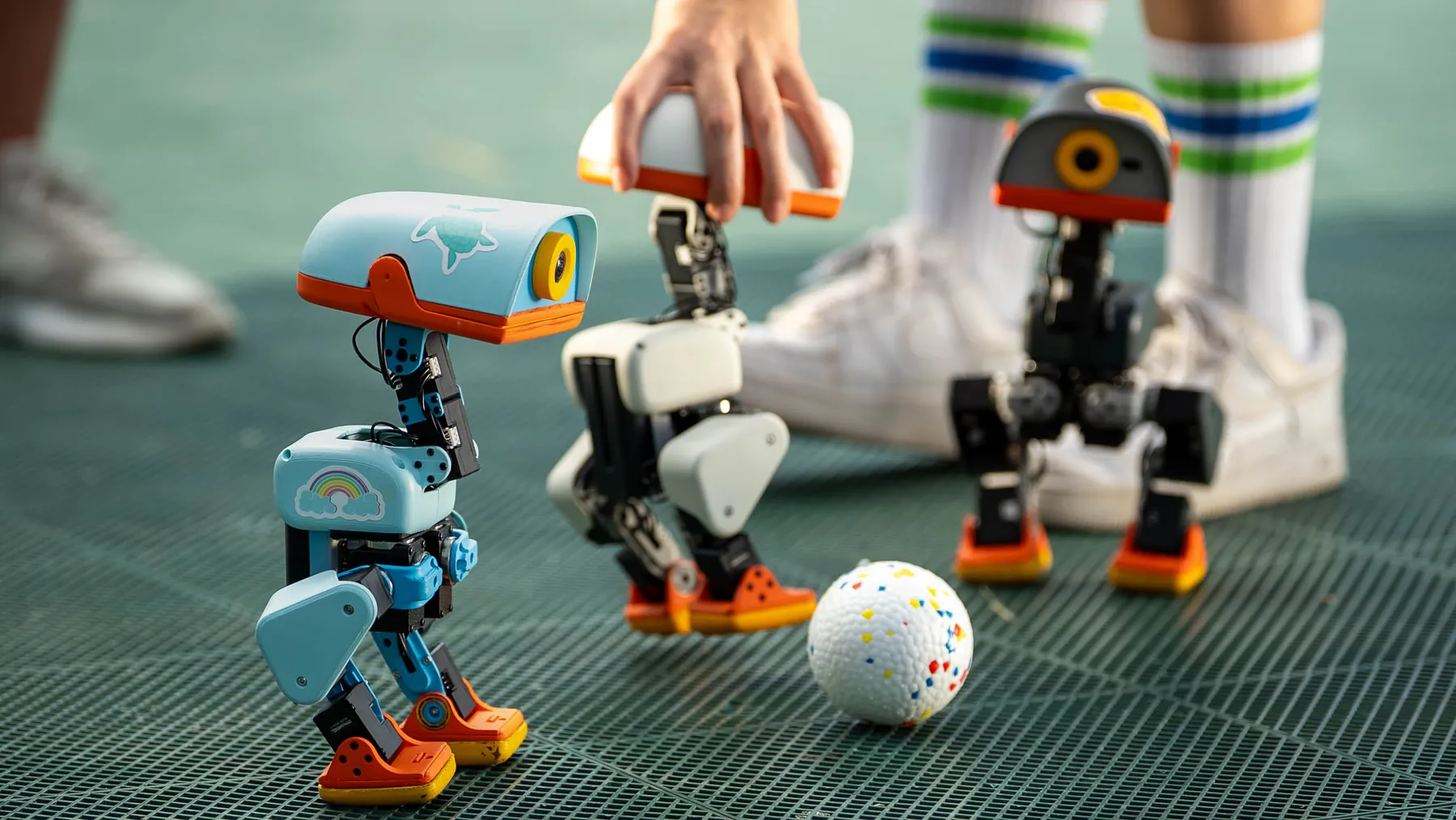
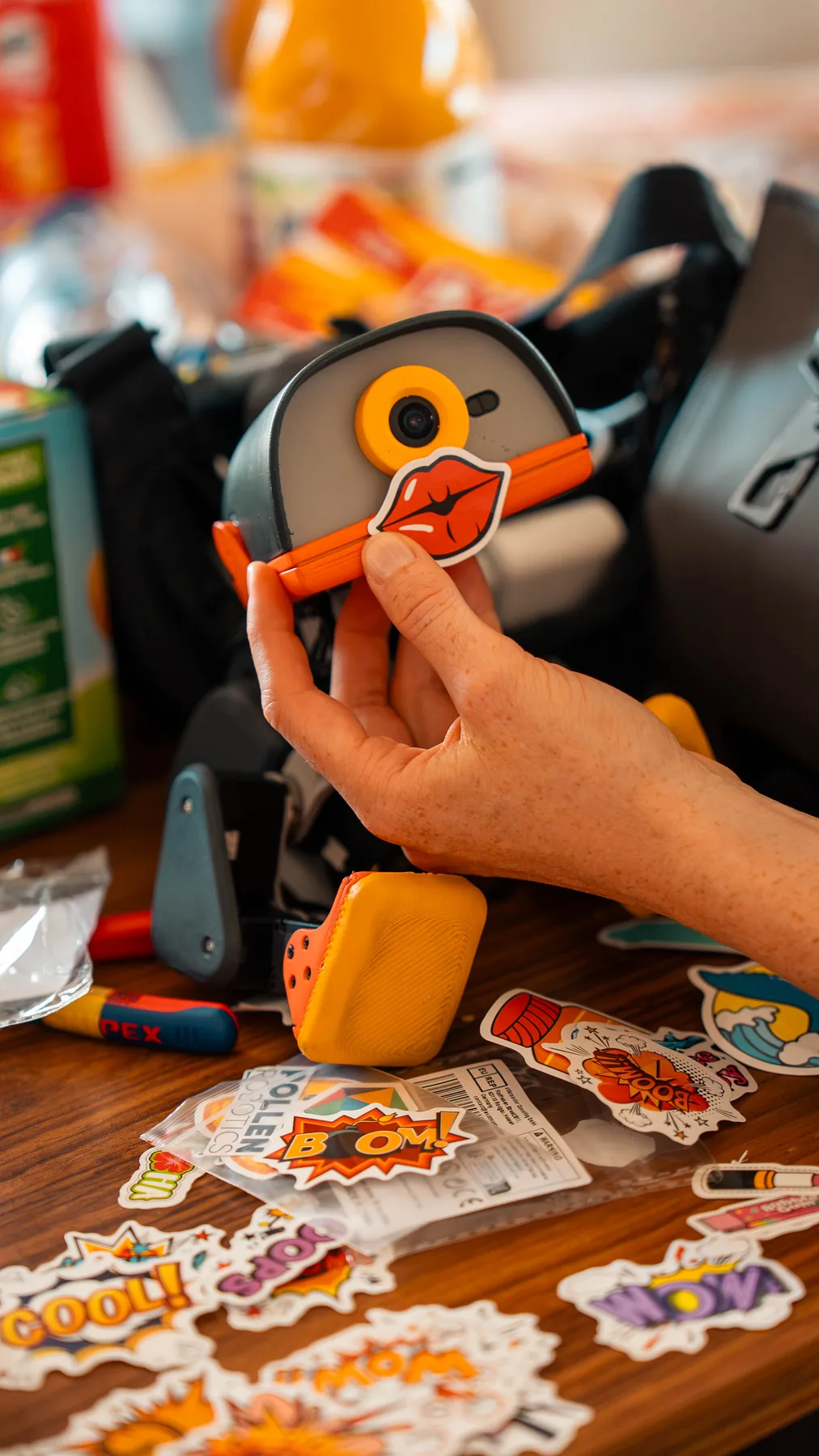
The Accessory Pack turns published behaviours into physical activities. Fit the rollers while the robot is off, place NFC props deliberately and use the ball or laser only in a controlled, supervised space.
01
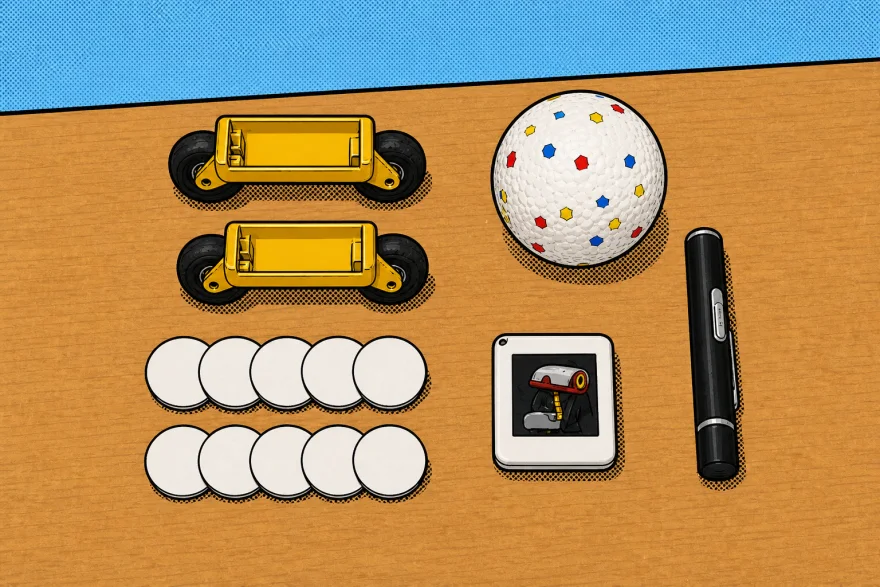
Change how MD-01 moves
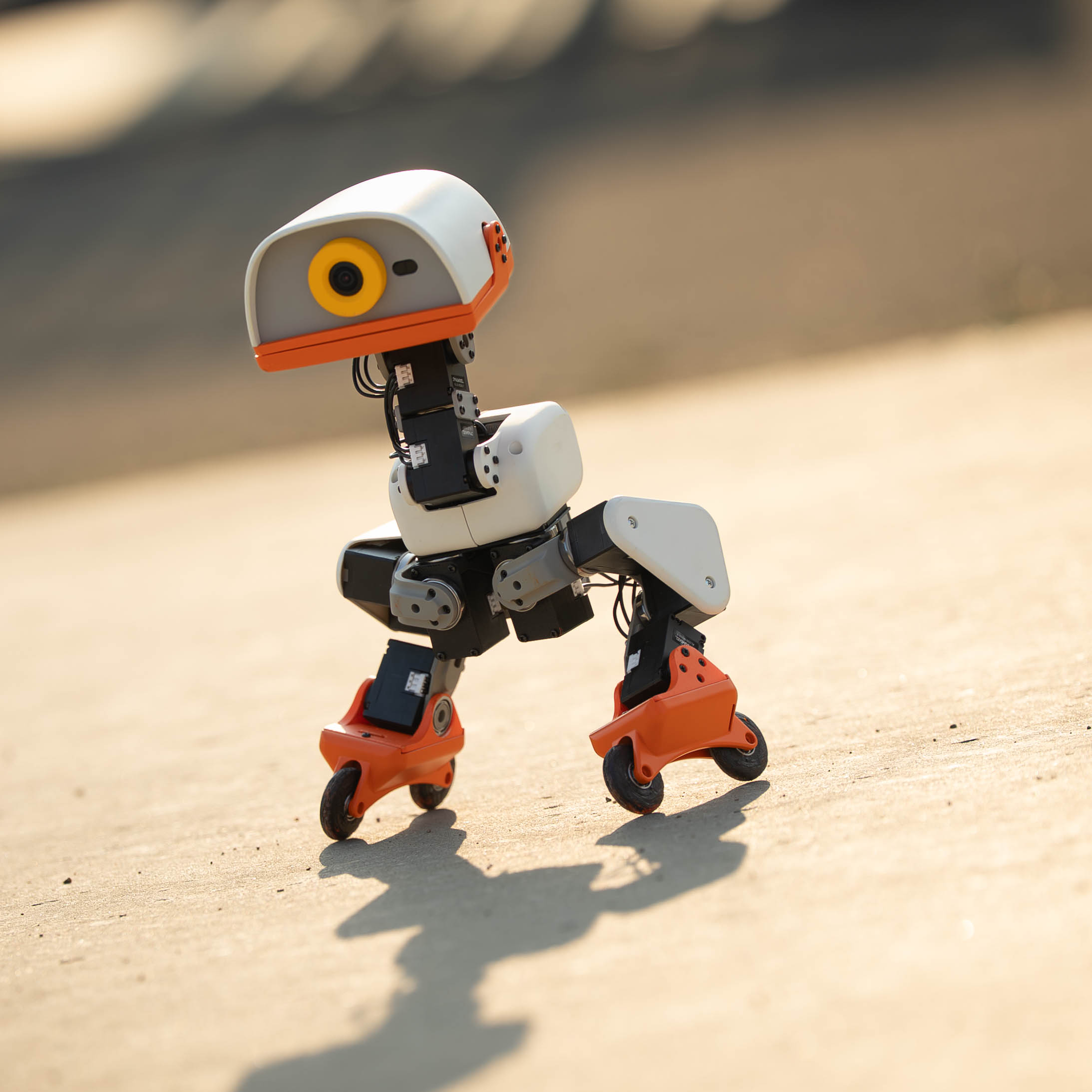
The two rollers support the compatible roller-skating locomotion policy.
02
Create play scenarios
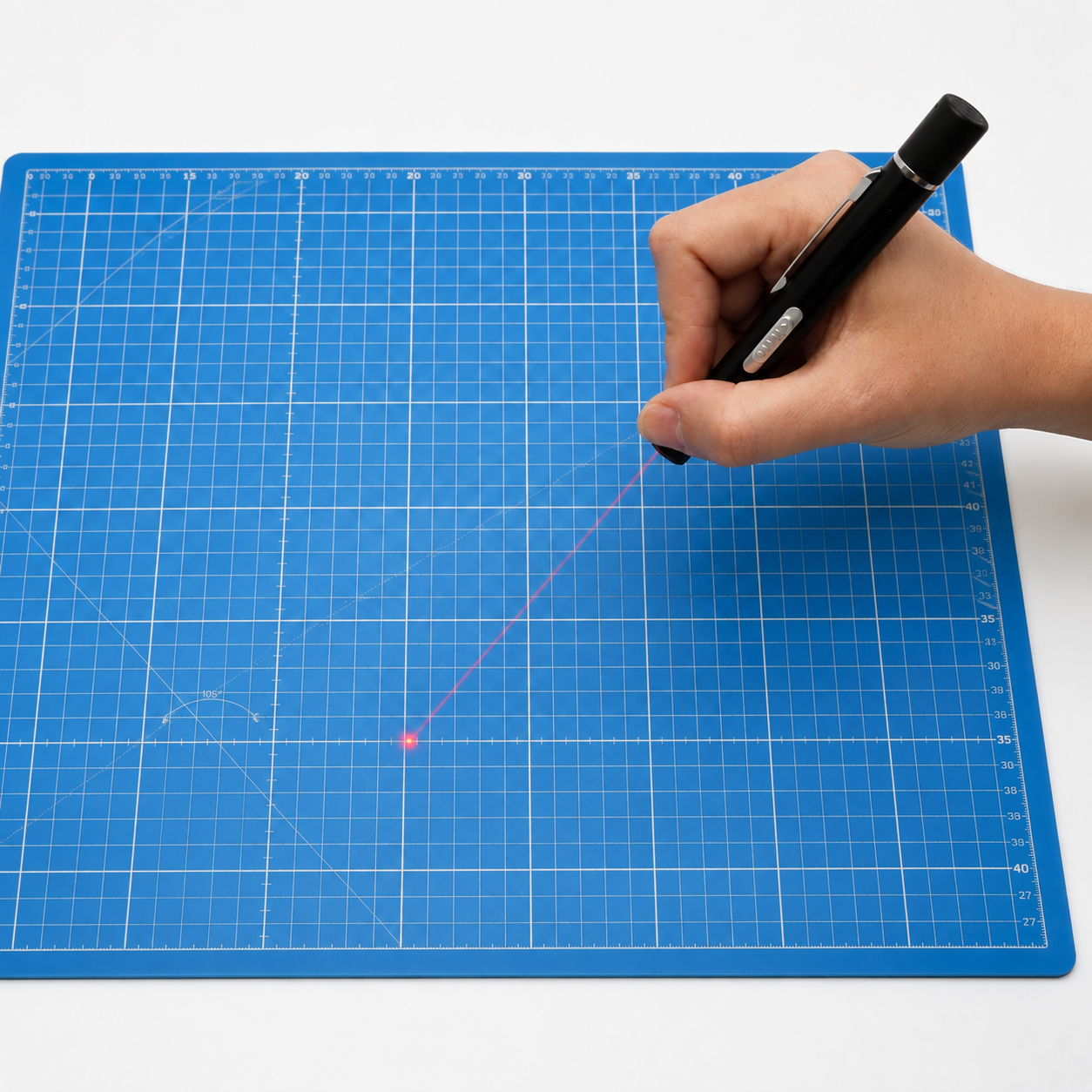
Use the ball and laser pointer as visible props for supported interactions.
03
Build NFC triggers
A photo card and ten NFC tags support repeatable tag-based experiments.
04
One organised set
Keep small interaction pieces together between sessions.
A strong fit for
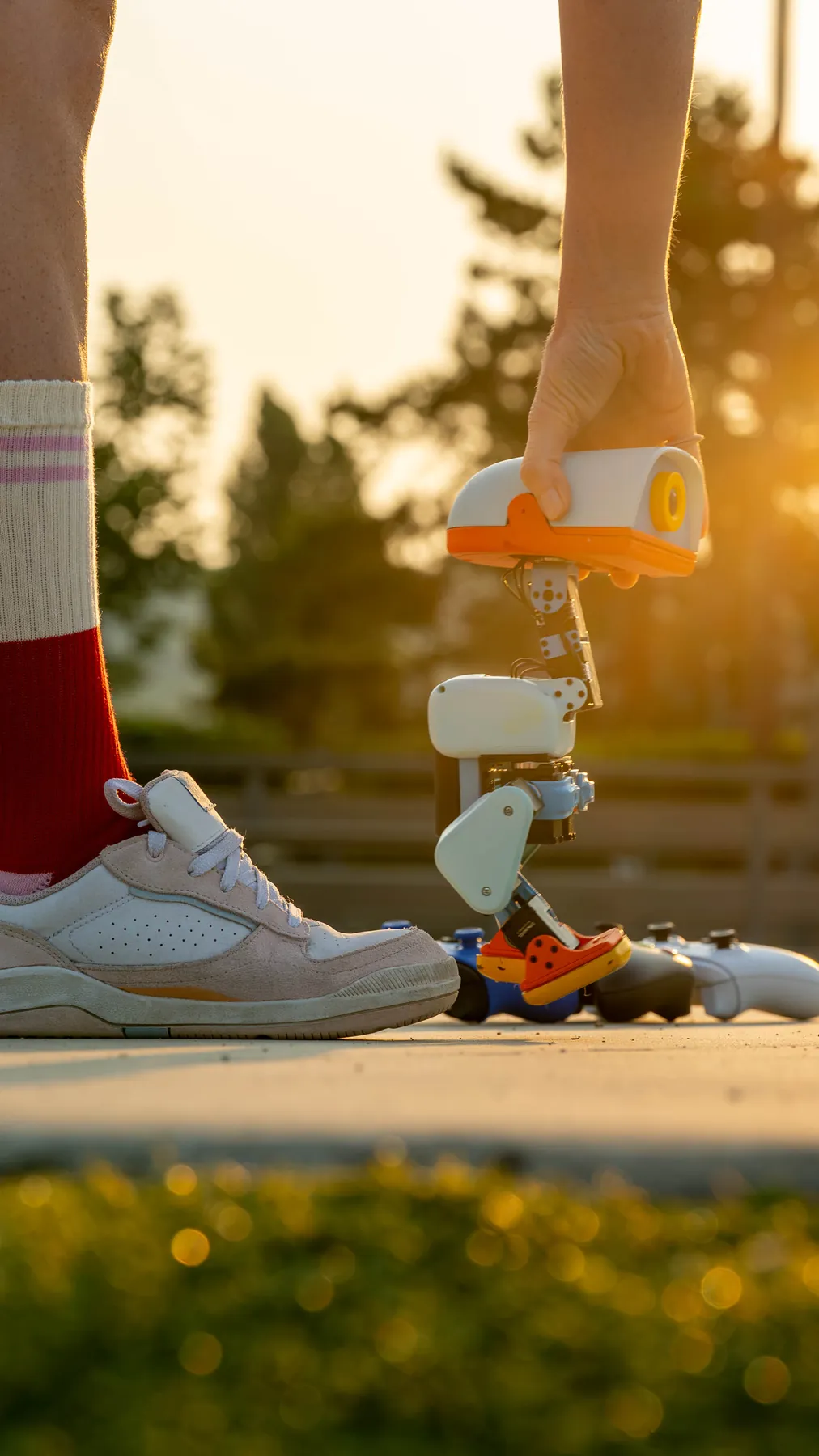
Supervised play and demonstrations
Testing roller locomotion
NFC-triggered interaction projects
VERIFIED DETAILS
Specifications and compatibility
Rollers
2
Ball
1
Laser pointer
1
NFC photo card
1
NFC tags
10
Compatibility
Microduck MD-01 and supported behaviours
Check before you buy
Designed for Microduck MD-01 and compatible published behaviours.
Power the robot off before attaching or removing rollers.
NFC actions depend on the policy and software configuration in use.
STEP BY STEP
From opening the box to first use
Prepare the area
Use a dry, level floor with no stairs, cables, liquids, animals or fragile objects nearby.
Choose a compatible behaviour
Load the policy that matches the prop before positioning the robot.
Fit rollers while powered off
Switch MD-01 off, attach both rollers securely and check that each wheel moves freely.
Place props deliberately
Keep the ball and NFC items where the robot can reach them without leaving the safe area.
Handle the laser responsibly
Keep the beam low and away from every person, animal, camera, vehicle and reflective surface.
Supervise and store
Remain within reach, stop unstable movement immediately and return every small item to storage afterward.
Included
2 rollers
1 ball
1 laser pointer
1 NFC photo card
10 NFC tags
Not included
Microduck MD-01 robot
Charger or developer components
BEFORE YOU ORDER
Frequently asked questions
Does the pack include a Microduck robot?
No. This is an accessory set for an existing or separately ordered MD-01.
What are the rollers for?
They are used with the compatible roller-skating locomotion policy. Install both while the robot is powered off.
How are the NFC tags used?
They provide physical NFC triggers. The selected software policy determines what the robot does when it detects a tag.
Can children use the laser pointer?
The laser requires responsible adult supervision and must never be aimed at eyes, people, animals, cameras, vehicles or reflective surfaces.